





Skip to content

Loyalty that lives in your customers’ wallet.

Real Apple and Google Wallet cards. No app to download, no plastic to print.

Set up in an afternoon. Works with the till you already have.

Daily Grind

Market Square

7 / 10

A ten-stamp coffee loyalty card with rewards at six, eight and ten stamps

Next reward

Free coffee

How it works

Three steps, and you are running a loyalty programme.

Nothing to install for you or your customers. If you can print a QR code and use a phone, you have everything you need.

Get started
  1. Put your code on the counter

    You get one QR code per branch. Print it, stick it by the till, and that is the whole setup. Customers can also join from a link you share.

  2. They add the card to their phone

    Name and email, then the card is in their wallet. No account, no password, no app store. It works the same on iPhone and Android.

    Add to Apple WalletAdd to Google Wallet
  3. You scan, the card updates itself

    Scan their code at the till and the stamp appears on their phone straight away. When they earn a reward, their lock screen tells them.

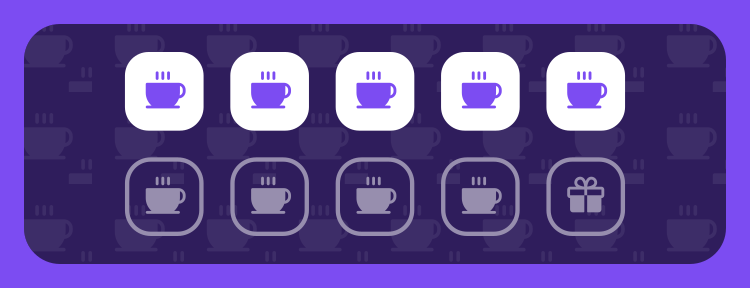
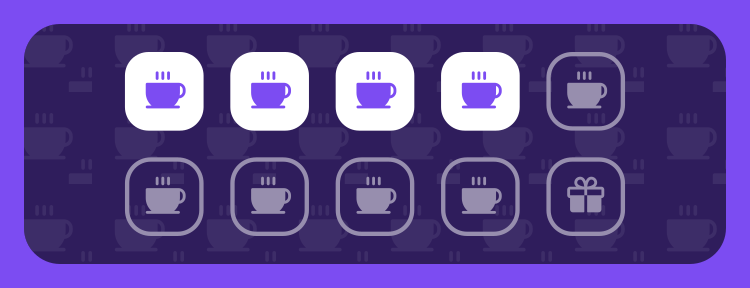
    The same loyalty card after four visits, four stamps filled in

Two ways to reward

Stamp card or points. Pick whichever your customers get.

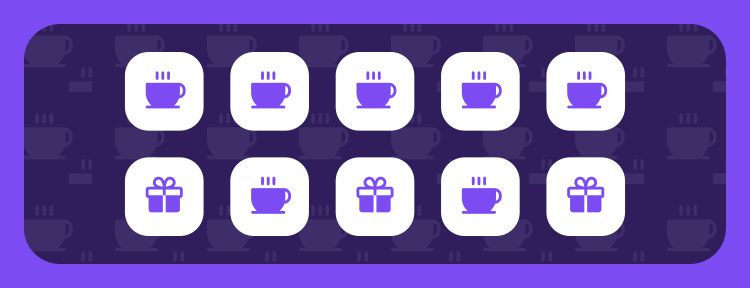
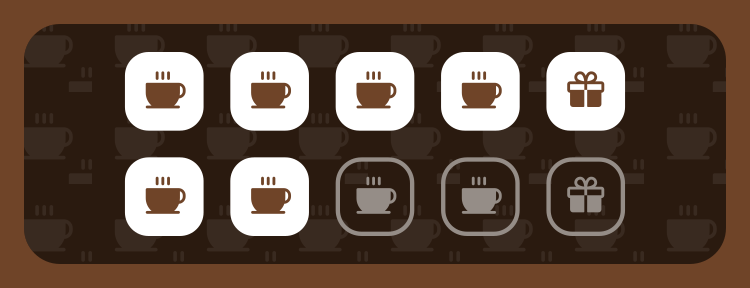
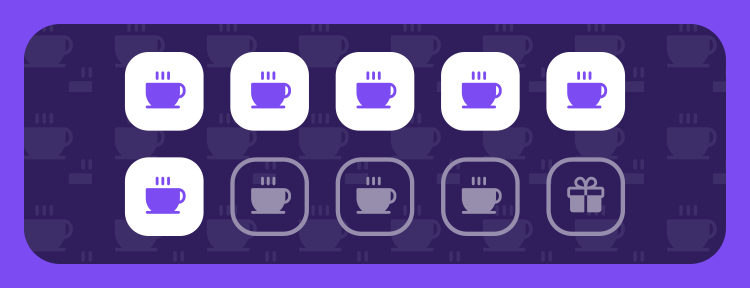
A completed ten-stamp card, with gift icons marking the rewards at six, eight and ten

Stamps

One stamp a visit, a free coffee at ten. The classic paper card, except it cannot be lost or left at home.

You can put smaller rewards along the way. A pastry at six, an iced coffee at eight, the full card at ten.
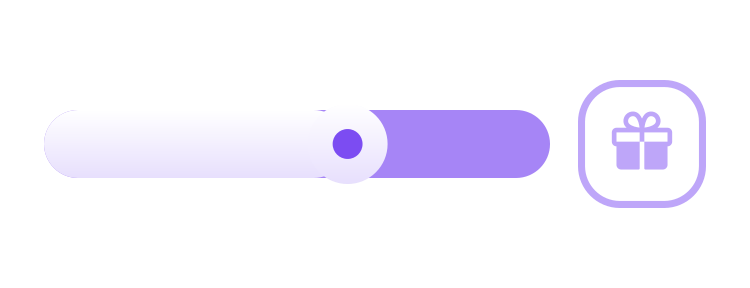
A progress gauge filling toward the next reward

Points

Points for every euro spent, redeemed against whatever you put on the menu. Better when baskets vary a lot.

You set the rate and the catalogue. The card shows how close they are to the next thing they can claim.

Running several branches? Each one can use a different mode.

What you get

Everything you need to get people coming back.

Campaigns that boost a quiet shift

Run double stamps on a Tuesday, or triple points for a launch week. Set the dates once and it applies itself at the till.

2× stampsFri to SunCanal Side only

Refer a friend

Every customer gets a code to share. You choose what each side earns, and it only pays out on a real first purchase.

Welcome and birthday bonuses

Start people off with a stamp already on the card, and give them something on their birthday without remembering to.

A message on the lock screen

Tell one customer their reward is waiting, or everyone that you are open late. It lands on the pass itself.

Your own rewards

Free coffee, a pastry, money off. Set what each one costs and how long it stays claimable.

Numbers you can actually act on

Who is coming back, who has stopped, what a campaign actually did. Every stamp and redemption is on the record, so the figures are the real ones.

  • Members and repeat rate
  • Rewards claimed
  • Customers going quiet
  • What each campaign earned

More than one shop

Built for the second branch before you open it.

  • A programme per branch, or one across all of them

    Each shop can have its own card, its own rewards and its own rules. Or run one programme everywhere and see it split by branch.

  • Boost one shop without touching the others

    A double-stamp weekend can run at the branch that needs it. The others carry on as normal.

  • Numbers per branch, not just a total

    Every stamp is recorded where it happened, so a quiet branch shows up as a quiet branch rather than being buried in the average.

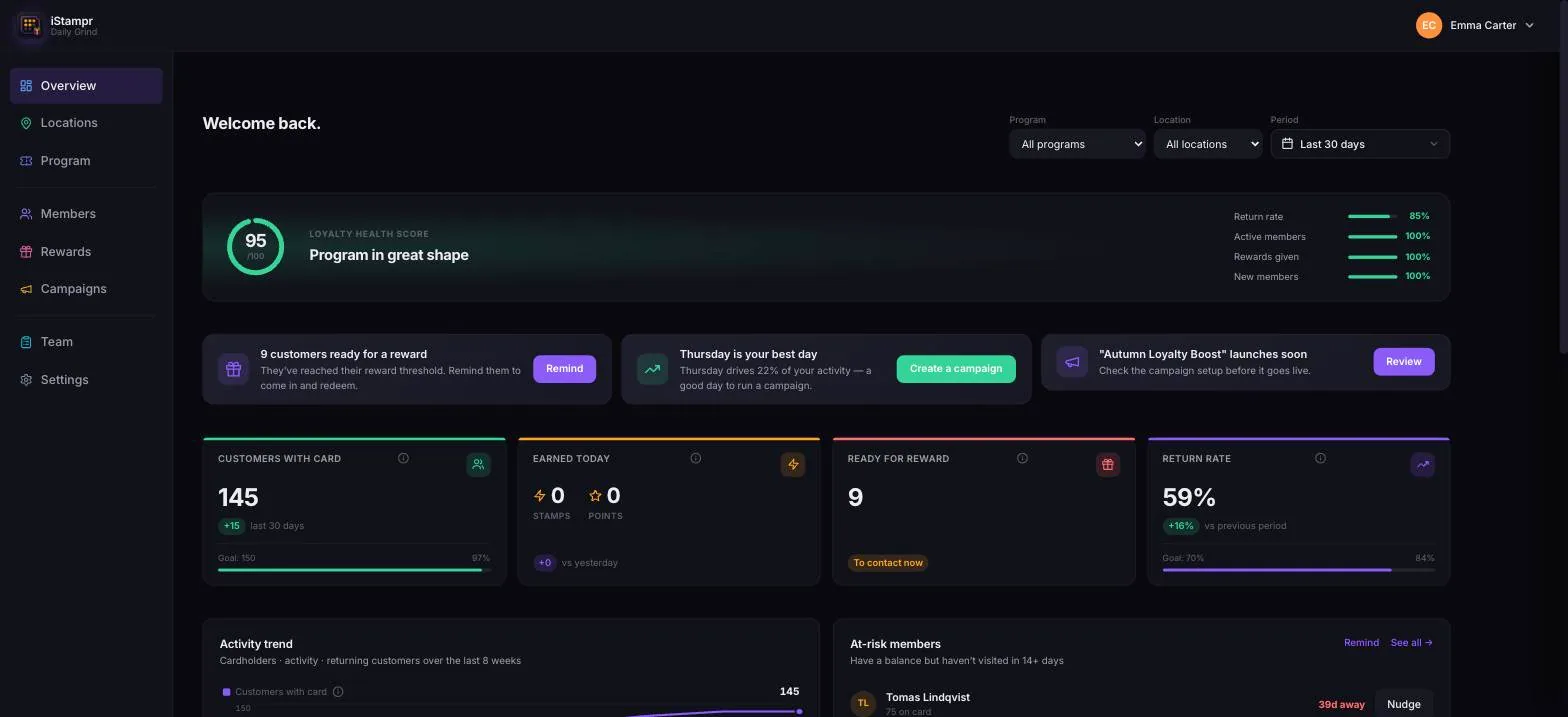
The iStampr dashboard showing 145 cardholders, a 59 percent return rate and an upcoming campaign

Before the scan

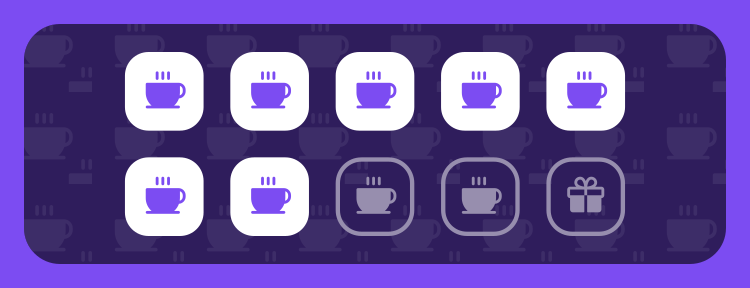
A loyalty card with four of ten stamps filled
one scan

On their phone, instantly

The same card a moment later, with a fifth stamp added

At the till

Your staff scan a code. That is the whole job.

The cashier app runs on any phone, iPhone or Android. Staff sign in with their own account and can only do the one thing they need to do.

  • Scan, confirm, done. Two taps a customer.
  • Shows the boost before it is applied, so nobody promises the wrong thing.
  • Cashiers cannot see your takings or change your rules.
  • Owners get the numbers on the same app.

Questions

The things people ask first.

Do my customers need to download an app?

No. The card goes straight into Apple Wallet or Google Wallet, which is already on their phone. They scan a code, fill in their name and email, and the card is there.

Does it work on both iPhone and Android?

Yes. iPhones get an Apple Wallet pass, Android phones get a Google Wallet pass. Both update by themselves when you add a stamp. Anyone whose phone cannot hold a pass gets a web version of the same card.

What do I need at the till?

A phone. Your staff sign into the cashier app and scan the customer’s code. There is no separate terminal to buy and nothing to connect to your existing till.

How long does it take to set up?

An afternoon. We set your account up with you, you choose whether to run stamps or points, add your rewards and your logo, then print the code for your counter.

I have more than one shop. Does that work?

Yes, and it is designed around it. Each branch can run its own programme and its own offers, and you see the numbers per branch as well as across the business.

What happens to the customers I have already collected?

If you have a list with names and emails, we can bring it across when we set you up. Anyone on a paper card can join with the code and carry on from where they were.

What does it cost?

It is a flat monthly price with no fee per customer and no cut of what you sell. Tell us how many branches you run and we will give you the number.

Get started

Tell us about your business.

We set your account up with you, so you are not left working it out alone. Send this and we will come back within one working day.

This is where we will reply.

A sentence or two is plenty. What you sell, and whether you run something today.

We use this to reply to you. Nothing else, and no marketing list.